
|
Lance Nelson, AuD, CCC-A
|
Oct 6, 2024
In today’s fast-paced, hybrid work environments, professionals rely on digital tools like conference calls and online meetings to stay connected. For those with hearing aids, navigating this landscape may seem challenging at first, but it’s easier than you think.
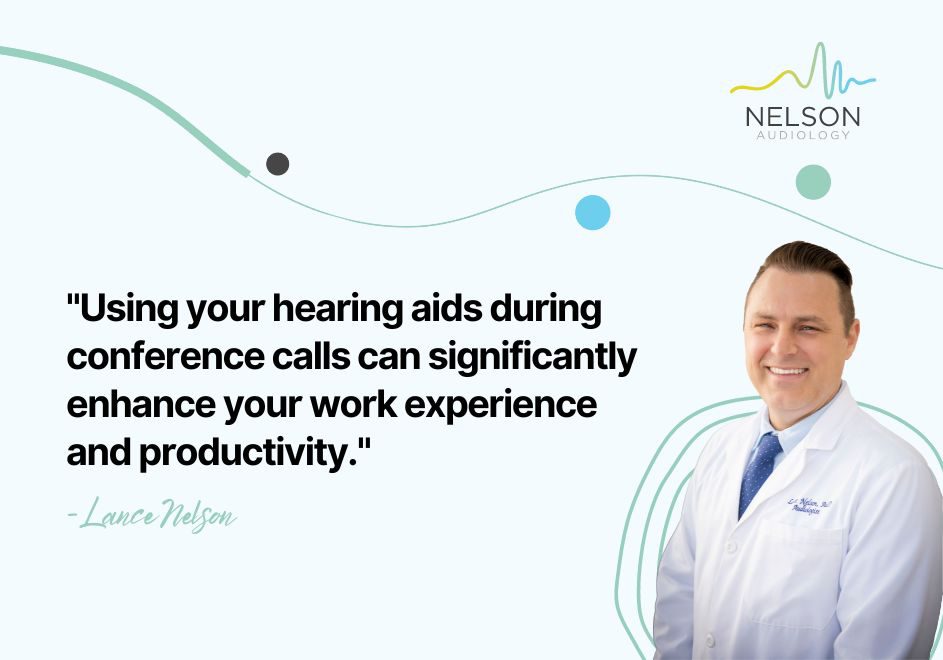
In fact, using your hearing aids during conference calls can significantly enhance your work experience and productivity.
You should be able to take full advantage of your hearing aids, especially during important work tasks like conference calls. Here’s how you can seamlessly integrate your hearing aids into your daily professional life.
How Do I Connect My Hearing Aids to My Computer?
Many modern hearing aids come equipped with Bluetooth technology, allowing you to connect your hearing aids directly to your computer or mobile device.
This feature can be a game-changer during conference calls, as it allows sound to stream directly into your ears, providing clarity and reducing background noise.
Steps to Connect Bluetooth Hearing Aids:
For those whose hearing aids don’t have Bluetooth functionality, many models offer wired connection options, similar to traditional headphones. Speak to your audiologist about the best solution for your specific hearing aids.
How Hearing Aids Improve Conference Calls
Hearing aids are designed to amplify sounds and help you focus on conversations, particularly in noisy environments. When participating in conference calls, your hearing aids will filter out unnecessary noise, allowing you to focus on the important discussions.
Modern hearing aids often come with built-in noise reduction features, making it easier to hear even in less-than-ideal conditions. This is especially useful when there is background noise, either in your environment or from other participants in the meeting.
The combination of Bluetooth technology and hearing aid capabilities enhances speech understanding. You’ll be able to keep up with fast-paced conversations without missing key information, helping you stay engaged and responsive during meetings.
Tips for Successful Conference Calls with Hearing Aids
Always check that your hearing aids are properly connected to your computer or smartphone before the meeting starts. This avoids last-minute technical difficulties.
While your hearing aids can help with noise reduction, setting up in a quiet space will further improve sound clarity.
Many hearing aids allow for volume and sound profile adjustments. Make sure your hearing aids are set up for optimal listening during calls.
Some hearing aids work with streaming devices or microphones that can further enhance sound quality for specific situations like conference calls.
Concerned About Your Hearing?
If you find that your hearing aids aren’t providing the clarity you need during work meetings or calls, it may be time for a comprehensive hearing assessment. Nelson Audiology offers tailored hearing solutions to ensure that your devices are optimized for your lifestyle and professional needs.
Schedule an Appointment
If you're interested in upgrading your hearing aids, exploring Bluetooth hearing aids, or just learning more about how to improve your hearing during conference calls, we are here to help.
Schedule an appointment today or request a callback to discuss your hearing needs.